ServiceWorks helps home cleaning, window cleaning, bin cleaning, janitorial and other recurring cleaning businesses manage schedules, routes, crews, checklists, customer communication, supplies, billing and payments from one connected platform.
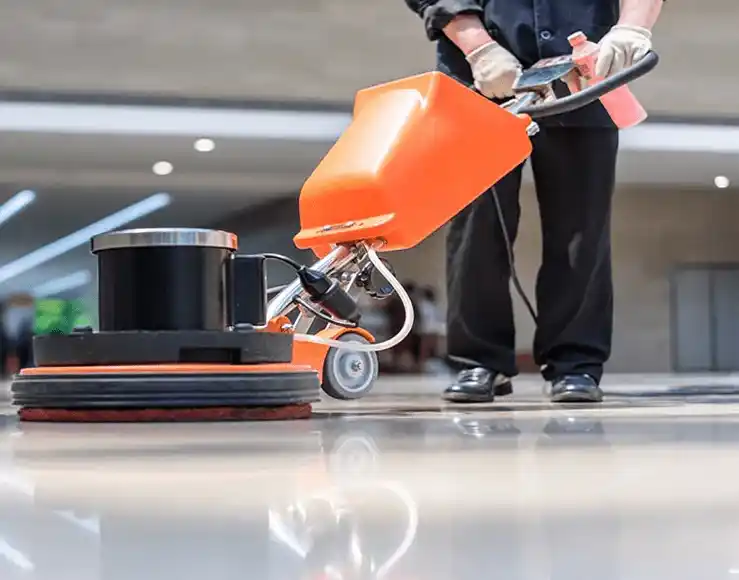
Built for recurring cleaning businesses
Whether you clean homes every week, windows every quarter, bins every month, or commercial properties every night, the operational challenge is similar: repeat the right service, at the right location, with the right crew, document the work, communicate with the customer, and bill without adding office effort. ServiceWorks connects those recurring workflows.
One platform for many cleaning models
Weekly, biweekly and monthly residential cleaning with recurring crews and customer preferences.
Route-based residential and commercial window-cleaning jobs with repeat seasonal schedules.
High-density recurring routes where scheduling, geography and recurring billing matter.
Recurring property service with teams, inspections, checklists and customer reporting.
One-time and recurring exterior-cleaning jobs with crews, estimates and route planning.
Detailed checklist-driven cleaning jobs with photos and completion documentation.
Carpet, upholstery, deep cleaning and specialty work using the same scheduling and field workflows.
If the same customer needs repeated service, ServiceWorks can help organize the workflow.
Recurring schedules & routes
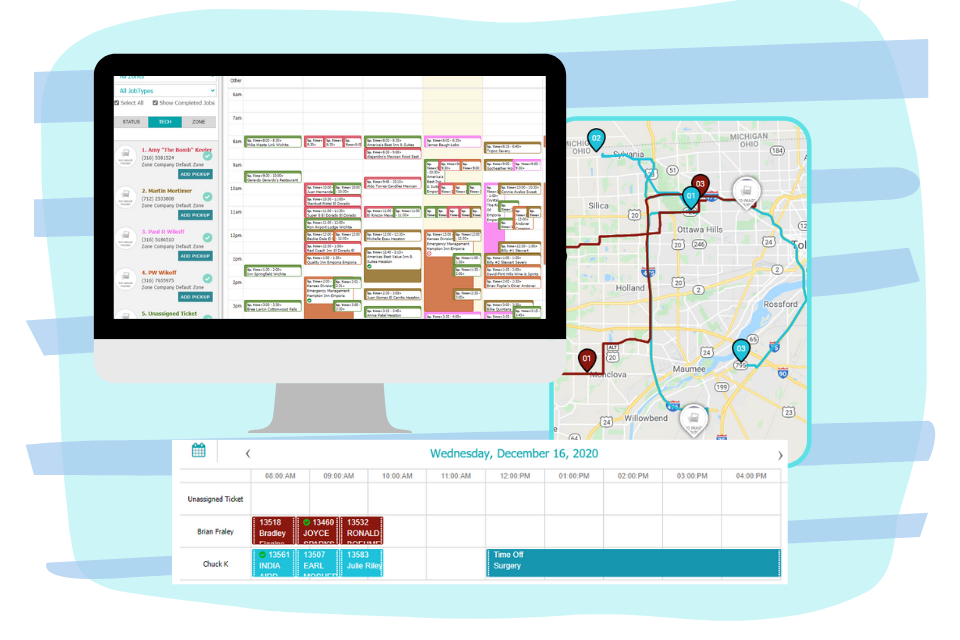
Cleaning businesses should not have to recreate the same job every week or month. ServiceWorks helps keep recurring work on the calendar while still giving dispatchers flexibility when customers skip a visit, crews call out, weather changes the route, or an extra service is added.
Crew assignment & route density
Driving between jobs can quietly destroy margin. ServiceWorks gives managers a clearer view of crew schedules, service locations and route activity so they can organize work more efficiently and reduce unnecessary travel.
Assign individuals or crews based on service needs and availability.
Use geography and field location to support route decisions.
Group work efficiently instead of building routes manually.
Track time and understand how long jobs and routes actually take.
SWOpsCenter for cleaners & crews
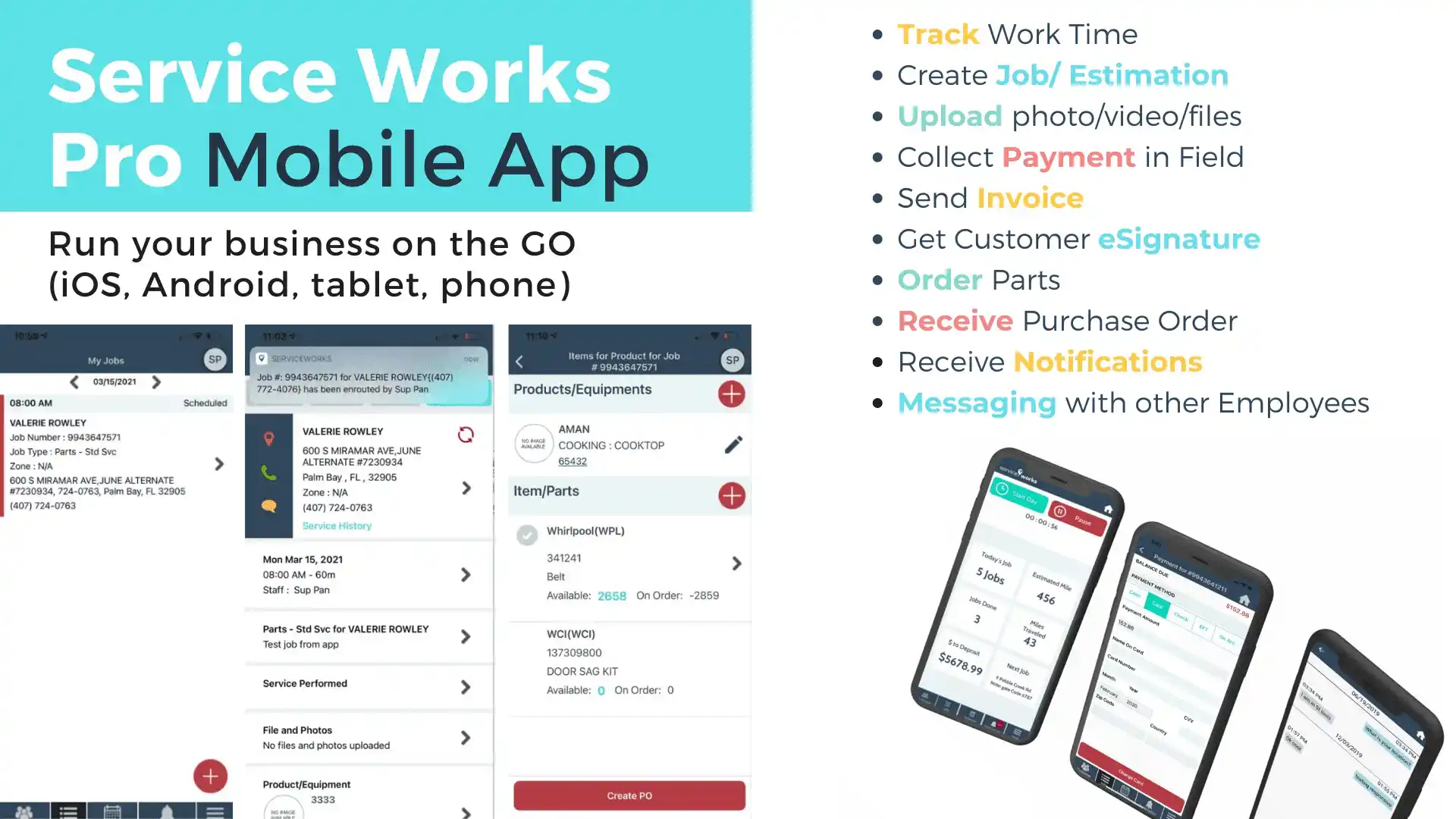
SWOpsCenter gives cleaners mobile access to assigned jobs, customer information, checklists, notes, photos, status updates and payment workflows without relying on paper schedules or office calls.
Checklists, photos & quality control
Different cleaning services need different completion standards. Use custom forms and checklists to document exactly what should be completed, capture exceptions, and create a consistent service record for the customer.
Build checklists by service type, property or customer.
Capture visual documentation from the field.
Record damage, access problems or service exceptions.
Use surveys and follow-up workflows to improve service quality.
Customer communication
Automate communication when a cleaning appointment is scheduled, changed, en route or completed. This is especially valuable for recurring customers who expect consistency without needing to call every time.
Recurring billing & payments
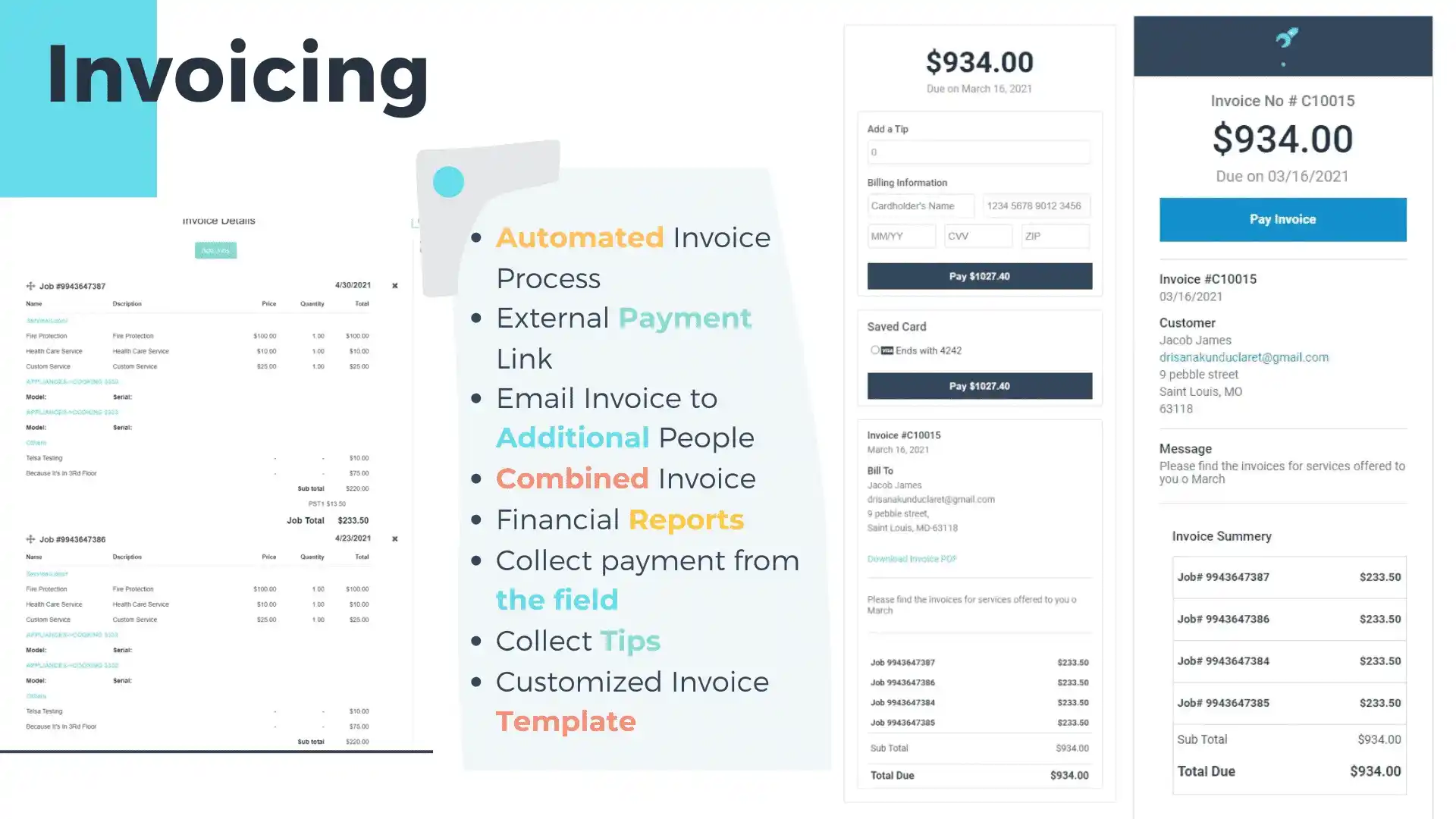
ServiceWorks can automate invoice and payment workflows so weekly or monthly customers do not create the same administrative task every billing cycle.
Reduce repetitive invoice creation.
Automate payment collection for regular customers.
Let customers pay outstanding invoices online.
Keep payment status visible to the office.
Service agreements & recurring customers
For commercial janitorial contracts, recurring home cleaning plans, bin-cleaning subscriptions, window-cleaning maintenance plans and other ongoing services, ServiceWorks can keep the agreement, recurring schedule and billing workflow connected.
Cleaning supplies & inventory
Keep cleaning products, consumables, tools and other supplies connected to the service operation so managers can monitor stock, usage and job-level cost more accurately.
Track products and consumables on hand.
Maintain costs and selling prices for add-on services and materials.
Understand what is consumed on jobs and routes.
Create purchase orders for supplies and materials.
Time, mileage & commission
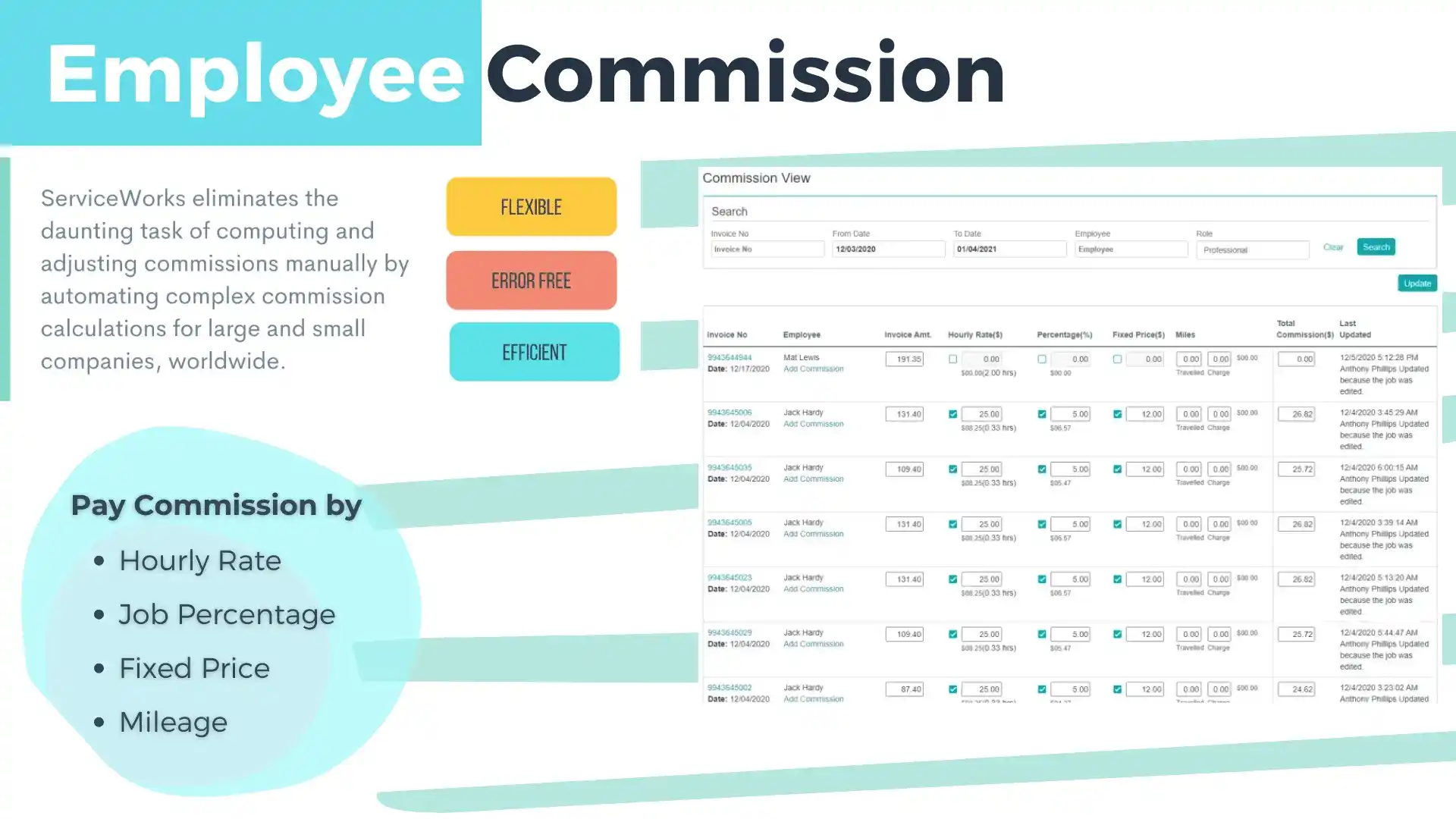
Cleaning companies often pay teams in different ways. ServiceWorks can help calculate compensation based on configured hourly, fixed or percentage-based rules and can support mileage tracking.
Customer & route profitability
Travel time, labor, supplies, rework and underpriced customers can quietly erase margin. ServiceWorks reporting helps bring operational and financial data together so managers can better understand which customers, routes and service types are worth growing.
Explore Analytics & ReportingCleaning service software FAQ
ServiceWorks can support recurring and one-time cleaning operations including home cleaning, window cleaning, bin cleaning, janitorial/commercial cleaning, pressure washing, move-in/move-out cleaning and other field-based cleaning services.
Yes. ServiceWorks supports recurring scheduling workflows so repeated weekly, biweekly, monthly or custom-frequency visits can be managed alongside one-time work.
Yes. SWOpsCenter supports mobile field workflows including assigned jobs, forms, documentation, photos, status updates and payment collection.
ServiceWorks supports automated invoicing, card-on-file payment workflows, external payment links and recurring service billing.
Yes. ServiceWorks can automate appointment reminders, reschedules, en-route notifications, arrival events and completion communication.
Yes. ServiceWorks supports recurring service agreement workflows so ongoing schedules, billing and customer activity can remain connected.
ServiceWorks supports employee compensation workflows including hourly, percentage and fixed-price calculations, along with mileage tracking.
See how ServiceWorks connects recurring schedules, routes, crews, checklists, customer communication, supplies, billing and reporting for your cleaning business.
Schedule a Demo