
Drag-and-Drop Dispatch Calendar
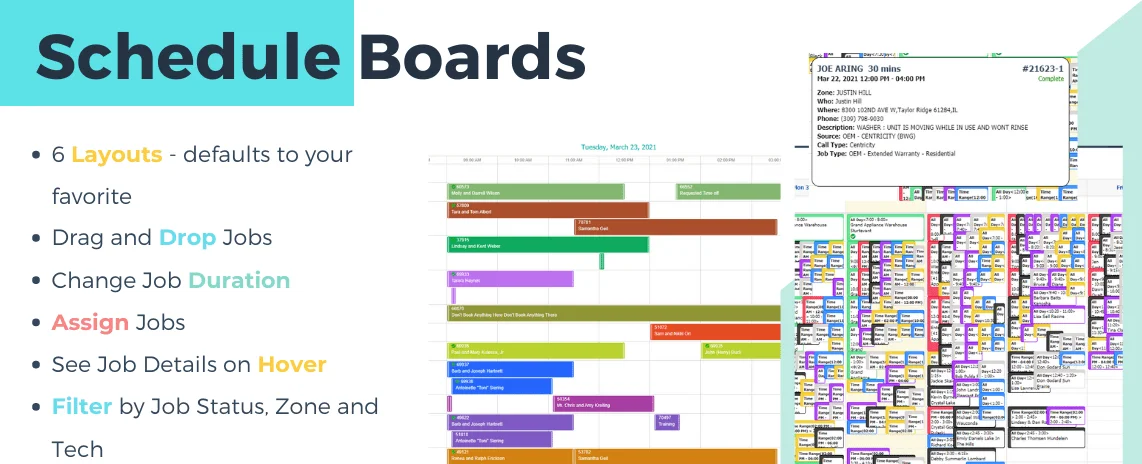
Move jobs, reassign technicians and adjust schedules quickly from a visual dispatch board.
ServiceWorks field service scheduling software gives dispatchers real-time visibility into jobs, technician availability, routes and field progress—so your team can assign work faster and keep the day moving.
Field service scheduling software
Field service scheduling gets complicated when jobs move, technicians run late, priorities change and routes need to be adjusted. ServiceWorks brings technician schedules, job details, availability and field progress into one dispatch view so teams can react quickly without adding more back-office work.
Scheduling capabilities
Move jobs, reassign technicians and adjust schedules quickly from a visual dispatch board.
Review technician schedules and availability before assigning new work.
Keep dispatchers informed about job status and field progress throughout the day.
Use service regions, skills, technician location and route efficiency to improve assignment decisions.
Keep field workers and office staff updated when jobs are created, moved, cancelled or at risk.
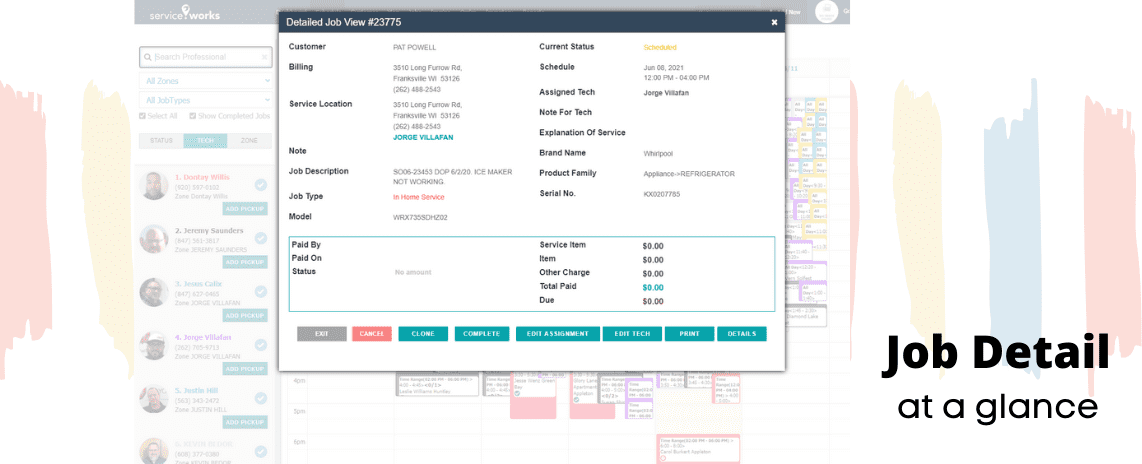
Give dispatchers context before assigning work with access to customer history, assets and job documentation.
Dispatch workflow
Capture the customer, service request and required work.
See technician schedules, skill fit and existing workload.
Choose the right technician and consider geography and route efficiency.
Monitor field updates and adjust the schedule as the day changes.
Complete visibility
Dispatchers can work with customer history, asset details, job documentation and assignment information without jumping between disconnected systems.
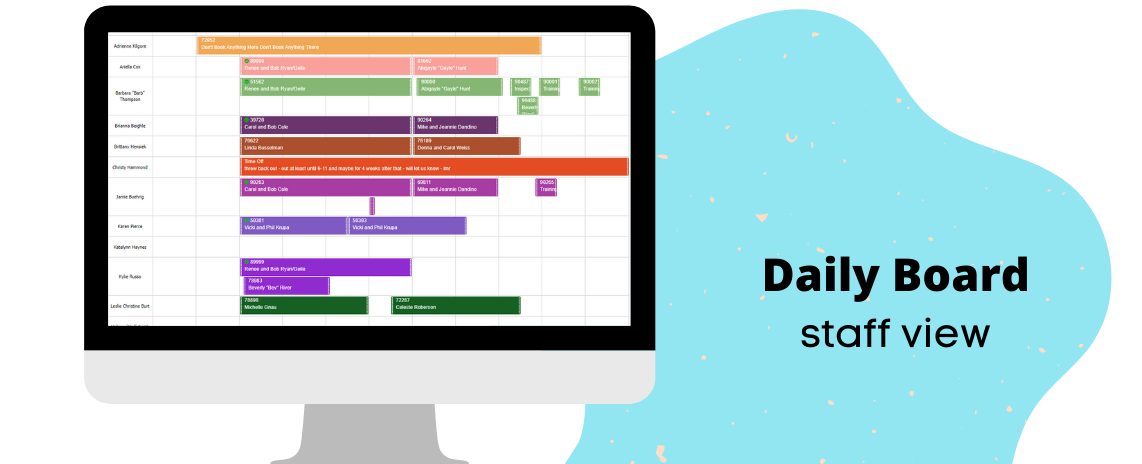
Technician scheduling
Create a job, select the customer and assign work to the team with fewer clicks while keeping the dispatcher focused on the schedule.
Route optimization
ServiceWorks can take service regions, technician skills, location and route efficiency into account when helping teams plan field work.
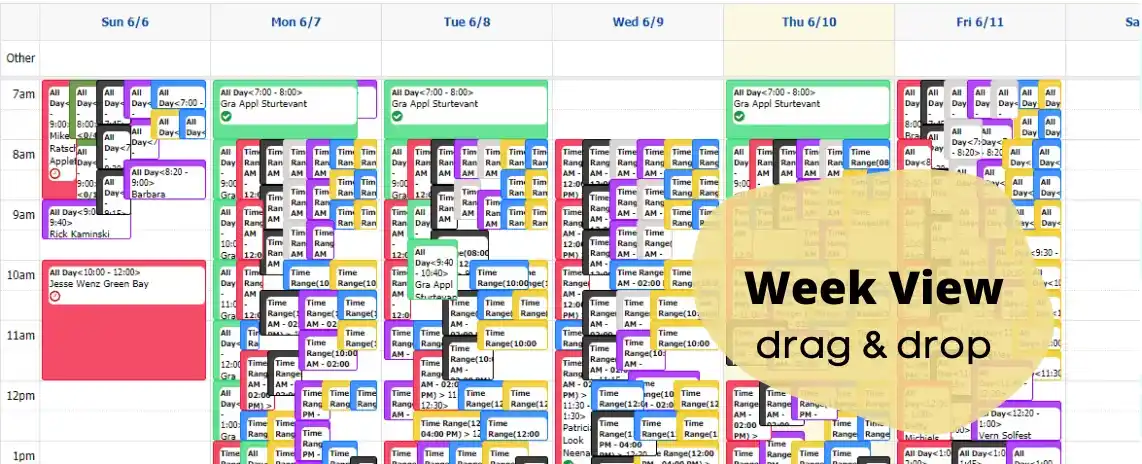
Visual calendar
Use multiple calendar views to understand team availability and visually manage the work ahead.
Why better scheduling matters
See jobs, technicians and field progress in one scheduling workflow.
Reduce the time spent finding the right technician for each job.
Plan work with service regions, skills and route efficiency in mind.
Adjust quickly when priorities, technician availability or job timing changes.
Customer perspective
“Working with ServiceWorks has been one of the most collaborative experiences I have had to date.”
Scheduling software FAQ
Field service scheduling software helps service companies organize jobs, assign technicians, manage availability and monitor the progress of field work from a centralized schedule.
Yes. ServiceWorks supports visual scheduling and job reassignment so dispatchers can adjust the day as conditions change.
ServiceWorks includes routing logic that can consider service regions, technician skills, location and route efficiency.
ServiceWorks can notify field workers when jobs are created, rescheduled or cancelled so the field stays aligned with dispatch.
Walk through technician scheduling, dispatch, route planning and real-time field visibility with a product specialist.
Schedule a Demo